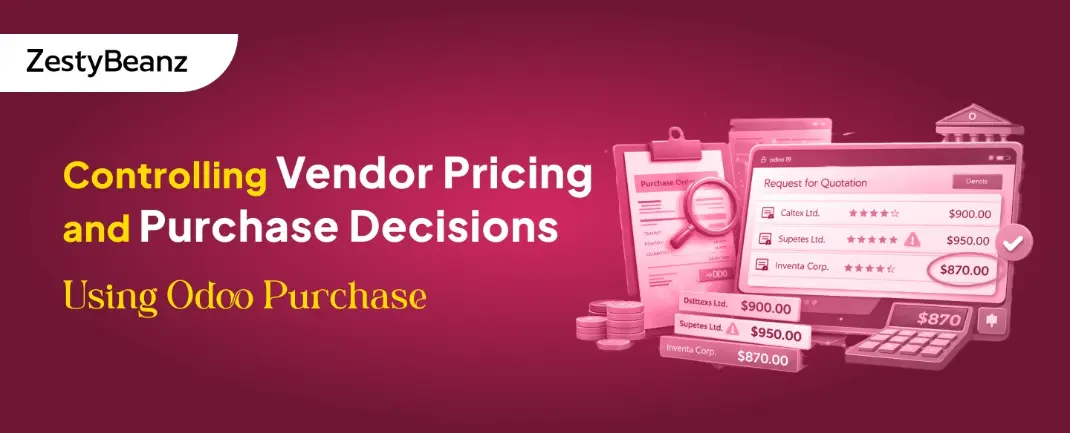
Controlling Vendor Pricing and Purchase Decisions Using Odoo Purchase
March 12, 2026by
admin
Controlling Vendor Pricing and Purchase Decisions Using Odoo Purchase
Introduction
Purchasing problems rarely come from bad intent — they come from a lack of system control.
In many organizations, the same product gets ordered at different prices, vendors are selected based on habit, and approvals happen informally. Over time, this leads to inconsistencies that are difficult to track and even harder to justify during audits or financial reviews.
This is where Odoo Purchase becomes valuable. When configured correctly, it transforms procurement into a controlled and transparent process, where vendor pricing, selection, and approvals are guided by the system rather than individual decisions.
Why Vendor Pricing Becomes Uncontrollable
Without proper system configuration, procurement typically suffers from:
Buyers relying on memory instead of system data
Negotiated vendor rates not visible during purchasing
No structured vendor selection process
Informal or inconsistent approvals
Lack of audit trail for decisions
These issues result in:
Price variations for the same product
Vendor bias
Increased operational costs
The core issue is not people — it is the absence of system-driven procurement control.
How Odoo Purchase Brings Procurement Control
Odoo centralizes procurement by embedding decision-making into the system itself.
It enables:
Vendor information linked directly to products
Automatic application of vendor pricing
Configurable approval workflows
Structured RFQ communication
Complete purchase tracking with history
This ensures consistency, reduces manual effort, and improves accountability.
Vendor Pricelist Setup (Foundation of Pricing Control)
Vendor pricing in Odoo is managed within the product form.
Navigation: Product → Purchase Tab → Vendor Lines
Each product can have multiple vendors with defined details:
Vendor name
Purchase price
Minimum quantity
Delivery lead time
Vendor priority order
When a product is added to an RFQ: Odoo automatically selects the vendor and applies pricing
This eliminates manual entry and ensures pricing consistency across purchases.
Vendor Selection Logic in Odoo
Odoo does not explicitly define a “Preferred Vendor.”
Instead: The first vendor listed in Vendor Lines is treated as the default
This simple configuration plays a critical role:
Standardizes vendor selection
Reduces dependency on user judgment
Ensures predictable purchasing behavior
Managing Multiple Vendor Quotations
In Odoo, each RFQ is created for a single vendor.
To compare multiple vendors:
Create an RFQ for the first vendor
Duplicate the RFQ
Change the vendor
Send RFQs individually
Steps:
Open an RFQ
Click Action → Duplicate
Change vendor
Purchase Approval Workflow
Odoo provides built-in controls to manage approvals based on business rules.
Approval logic can be configured using:
Order value thresholds
User roles and permissions
For example:
Low-value orders → auto-approved
High-value orders → require managerial approval
Steps:
Go to Purchase → Configuration → Settings
Enable Purchase Order Approval
Set threshold
Create high-value PO
Controlled Purchase Workflow in Practice
A well-structured procurement process in Odoo follows these steps:
Buyer creates an RFQ
Product is added
Vendor and price are auto-filled
RFQs are duplicated if multiple vendors are required
Vendor responses are evaluated
Approval is triggered (if required)
RFQ is confirmed into a Purchase Order
Common Configuration Mistakes
Even with Odoo Purchase in place, many organizations fail to achieve proper procurement control due to configuration gaps rather than system limitations.
Some of the most common mistakes include:
Incomplete Vendor Lines Products are created without properly defining vendor pricing, minimum quantities, or lead times. As a result, Odoo cannot automatically apply correct pricing or vendor selection.
Incorrect Vendor Priority Order Since Odoo selects the first vendor as default, failing to maintain the correct order leads to inconsistent vendor selection and unintended purchases.
Missing Lead Times Without lead times, delivery planning becomes inaccurate, affecting inventory availability and operational timelines.
Undefined Minimum Quantities Pricing tiers often depend on quantity. If minimum quantities are not configured, the system cannot apply the correct vendor pricing.
Manual Price Overrides by Users Frequent manual changes to vendor prices reduce trust in the system and reintroduce inconsistency.
Lack of Approval Rules When approval workflows are not configured, high-value purchases may be confirmed without proper validation, increasing financial risk.
Bypassing RFQ Process Creating Purchase Orders directly instead of using RFQs removes the opportunity for vendor comparison and structured decision-making.
Conclusion
Controlling vendor pricing and purchase decisions is not about restricting buyers — it is about creating a system that guides them toward the right choices.
Odoo Purchase achieves this by embedding pricing, vendor selection, and approval logic directly into the workflow. When these elements are properly configured, procurement becomes consistent, transparent, and easier to manage at scale.
Instead of relying on memory or manual checks, organizations gain a structured process where every purchase follows defined rules and leaves a clear audit trail.
Ultimately, effective procurement is not driven by tighter supervision, but by a system that makes the correct decision the easiest one to follow.
If you are looking for an ERP implementation partner with diverse industry experience feel free to contact us. We have proven track record of successful implementations across various sectors including Odoo for Manufacturing, Odoo for Trading, Odoo for FMCG, Odoo for Oil & Gas, Odoo for Diary, Odoo for Pharma, Odoo for Cosmetic Clinic, Odoo for Contracting Companies, Odoo for HVAC, Odoo for Logistics, Odoo for Automobile, Odoo for Laundry, Odoo for Field Service, Odoo for E-Commerce & many more
ZestyBeanz offers Developer / Consultant outsourcing programs, Chat with us in Whatsapp and Hire Odoo Developers, Mobile Application Developers, Consultants.